Affiliate disclosure: This guide may include affiliate links. If you buy through them, Paul may earn a commission at no extra cost to you.
Low-light webcam shopping gets confusing fast, especially on Amazon UK where every listing claims “HD”, “AI”, and “pro”. If your calls are mostly Zoom meetings (not streaming), keep it simple: match the camera to your room and workflow, not the flashiest spec list.
Fix the room first, then upgrade the camera
Bad lighting will make even a pricey webcam look rough. Before you spend more, test a basic setup: face a window in daytime, or place a soft desk lamp behind your monitor at night. This one change often improves video more than jumping from a cheap webcam to a premium one.
- Keep your main light in front of you, not above or behind.
- Aim for soft, diffused light (bounce it off a wall or use a shade).
- Avoid mixed colour temperatures (very warm bulb + cool monitor light).
How we evaluate webcams for low-light Zoom calls
- Exposure stability: does brightness stay consistent when you move?
- Focus reliability: does autofocus lock quickly and avoid hunting?
- Noise handling: does the image stay clean instead of grainy/mushy?
- Colour accuracy: skin tones should look natural under typical home lighting.
- Daily usability: privacy shutter, clamp stability, and plug-and-play setup.
Prioritise sensor quality and light correction over headline resolution
For Zoom, a clean 1080p image beats a noisy 4K image every time. Look for webcams that mention low-light correction, sensible auto exposure, and reliable autofocus. Those are the features you notice in real calls.
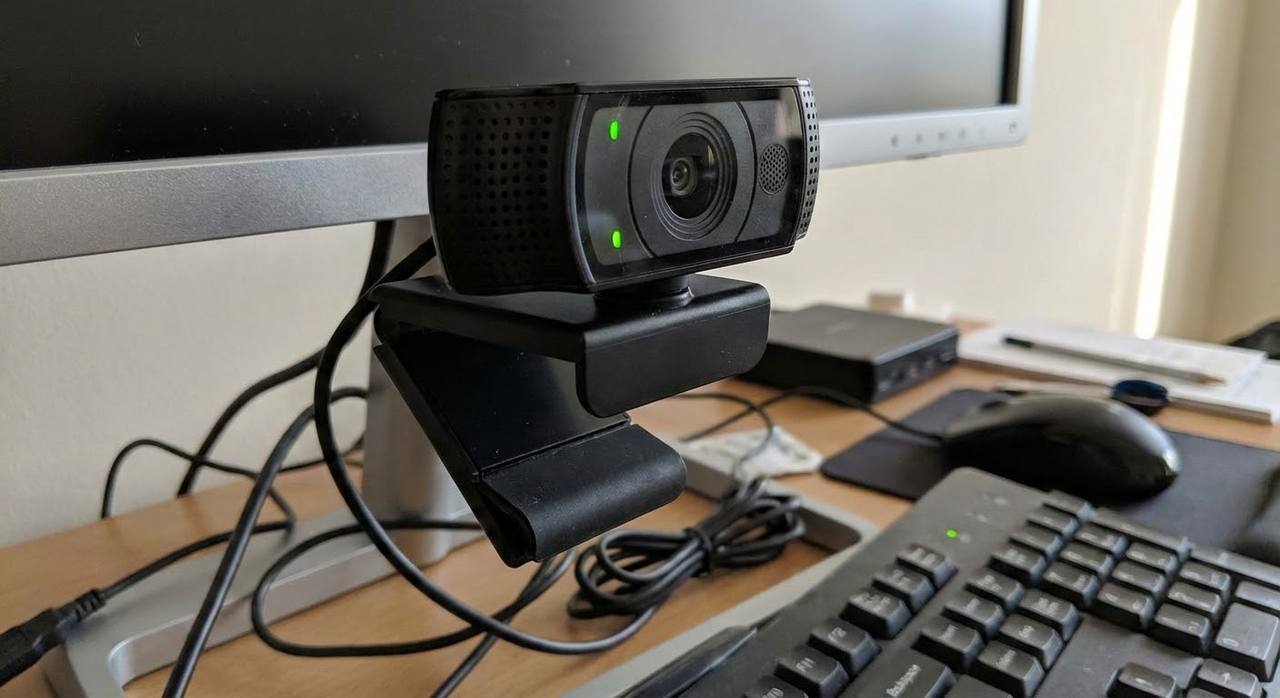
On Amazon UK, common examples in this category include models such as Logitech C920/C920S, Logitech Brio 300, and UGREEN 1080p/4K variants. Use them as reference points while comparing reviews and return terms.
Quick budget guide for UK buyers
| Budget | What to expect | Best for |
|---|---|---|
| Under £50 | Usable 1080p if your lighting is decent | Basic meetings and occasional calls |
| £50-£120 | Better low-light handling and autofocus | Daily work calls and clearer image quality |
| £120+ | Premium features like tracking/HDR tuning | Frequent recording, presentations, or advanced setups |
Pick a field of view that fits your desk
Wider is not always better. If you sit close to your monitor, a very wide lens can make your face look small and show too much background. For most home-office calls, around 70-90 degrees is a safer range.
- Narrow to medium view: better for single-person Zoom meetings.
- Wide view: useful only if you need to show a whiteboard or multiple people.
Don’t skip these checks before you click buy
- Confirm compatibility with your laptop/desktop port (USB-A vs USB-C).
- Look for a privacy shutter if your camera stays mounted full-time.
- Check clamp stability for your monitor thickness.
- Read recent UK reviews, not just older top-rated ones.
- Make sure returns are straightforward in case autofocus or exposure is inconsistent.
Short version: for low-light Zoom calls, spend first on lighting placement, then buy the most reliable webcam you can in your budget. That combo usually beats chasing flashy specs.
Leave a Reply