Affiliate disclosure: This guide may include affiliate links. If you buy through them, we may earn a commission at no extra cost to you.
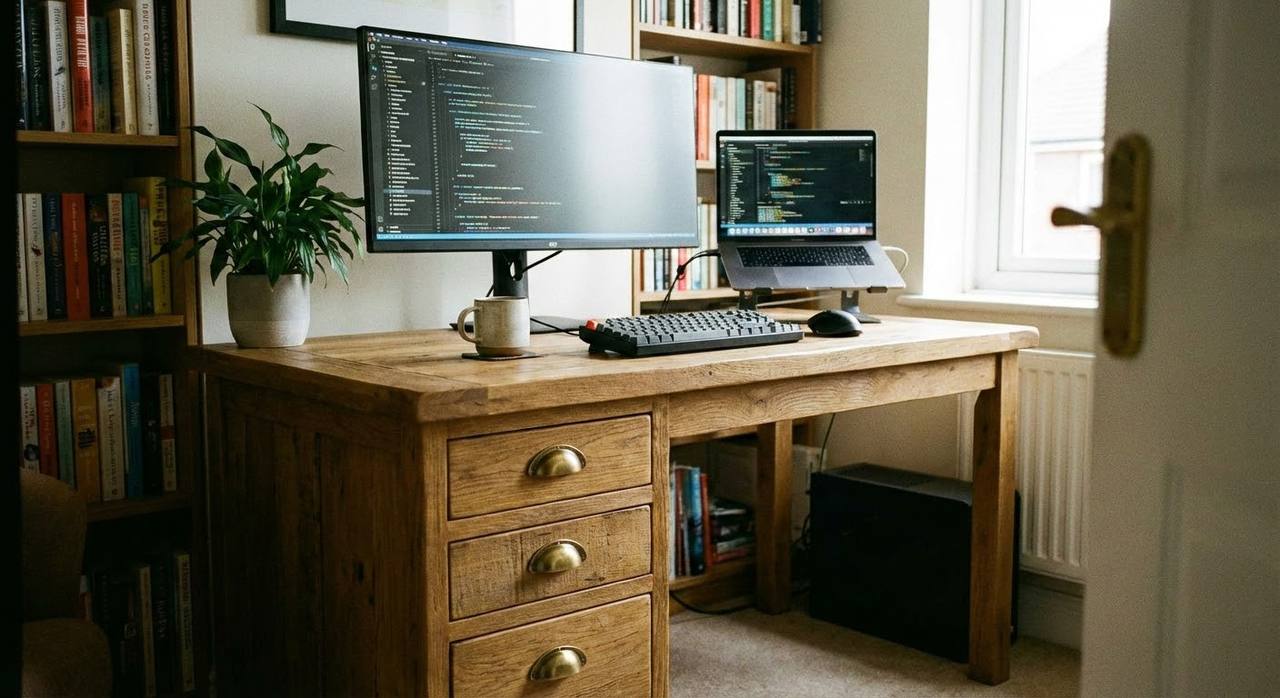
A home office desk with drawers can be brilliant or annoying depending on one thing: knee clearance. Plenty of models look tidy online but feel cramped once you sit down for a full workday.
This guide helps you choose drawer setups that improve storage without wrecking comfort.
Best desk-with-drawers configurations
- Single pedestal: good balance of storage and leg room.
- Mobile drawer unit: flexible option for changing layouts.
- Integrated side return storage: useful for heavy admin and paper workflows.
- Shallow top drawers + deep lower drawer: better organization for daily gear.
Measurements to check before buying
| Spec | Why it matters | Practical target |
|---|---|---|
| Desk width | Space for monitor + input devices | At least 120 cm, often 140 cm+ |
| Desk depth | Healthy viewing distance | 60 to 75 cm |
| Under-desk knee clearance | All-day comfort | Enough width/depth for natural leg position |
| Drawer protrusion | Leg contact and chair movement | Avoid deep protrusion in primary leg zone |
Who should choose drawers (and who should not)
Choose drawers if: your desk keeps collecting small items, chargers, paper, or accessories.
Skip built-in drawers if: you need maximum leg movement, or use under-desk pedals and active seating.
Drawer organization that actually sticks
- Top drawer: daily tools only (pens, cables, adapters, notepads).
- Middle drawer: occasional-use devices and accessories.
- Bottom drawer: bulky items and backup gear.
- Keep one empty section for incoming clutter so your desktop stays clear.
Common mistakes with desks that have drawers
- Buying based on storage count only.
- Ignoring drawer depth and knee clearance.
- Placing the only drawer pedestal on your dominant leg side without testing.
- Forgetting cable routing space under the desk.
Related guides
- Home Office Desk Ideas That Actually Work in Real Rooms
- Home Office Desk Setup: Layout, Monitor Position, and Cable Flow
A desk with drawers should make your workflow cleaner, not more cramped. Prioritize fit first, then storage volume.
Leave a Reply