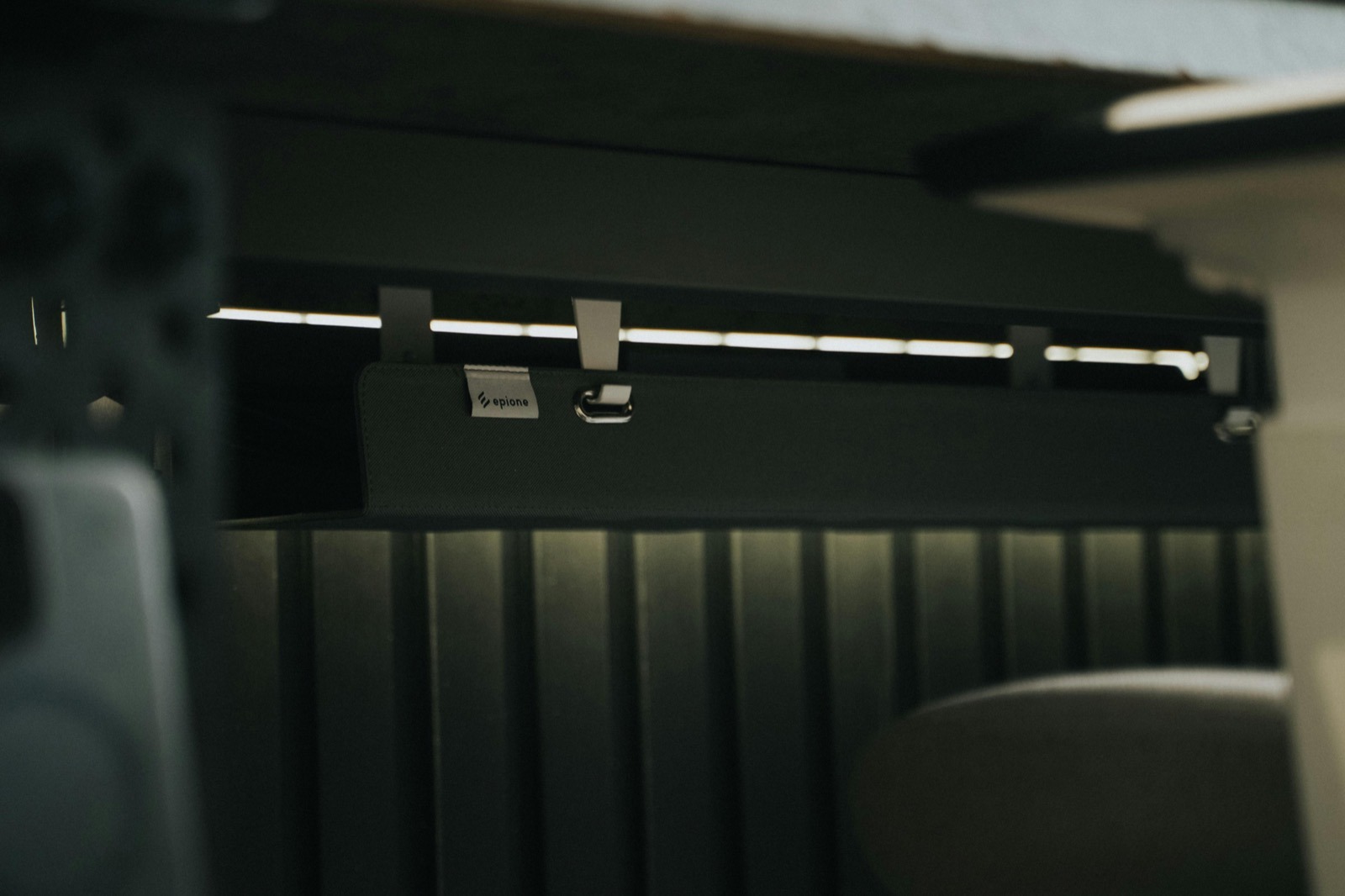
Messy cables under your desk can make even a great setup feel chaotic. A cord tray keeps your power strip, adapters, and cable slack off the floor so things look cleaner, snag less, and are easier to vacuum around.
This guide covers what to buy, what to avoid, and how to install it so it stays put.
Quick verdict: the 3 cord tray types worth considering
| Pick | Best for | Why | Price |
|---|---|---|---|
| Best overall | Most desks | Clamp-on or screw-in steel tray with cable pass-through | $$ |
| Best budget | Light cables only | Simple open basket (watch weight + sag) | $ |
| Best premium | Cleanest look | Powder-coated tray + built-in mounting for power strip | $$$ |
Top picks: best under-desk cord trays (2026)
Best overall: sturdy clamp-on or screw-in steel tray (for most desks)
If you want the best balance of stability, capacity, and ease of install, look for a steel mesh/basket-style tray that either clamps to the rear edge of the desk or screws in with a few short wood screws.
- Why it wins: holds a power strip + 2–4 power bricks without sagging
- Ideal for: everyday home office setups (laptop dock, monitor, chargers)
- Look for: powder-coated steel, pass-through cutouts, included mounting hardware
Best budget: simple open basket tray (lightweight cable tidy)
Budget trays can work well if you’re mainly lifting cable slack and a lightweight extension lead. Just avoid overloading them with heavy adapters.
- Why it’s good value: cheap, quick to install, still improves the look instantly
- Ideal for: a single monitor + laptop charger, basic home office gear
- Watch out for: thin metal that bends, sharp edges, weak clamps/tape
Best premium: clean finish + power-strip mounting (most polished look)
Premium trays don’t just hold cables — they’re designed to look intentional. The best ones include slots/straps for mounting a power strip, plus a finish that matches modern desk setups.
- Why it’s worth it: cleanest look, best hardware, easier long-term maintenance
- Ideal for: visible desks (video calls), minimalist setups, standing desks
- Look for: sturdy clamps, cable exit points, enough depth for power bricks
What a cord tray under desk actually does (and what it doesn’t)
- It lifts clutter off the floor (power strip, adapters, slack).
- It reduces cable snags from chair wheels + your feet.
- It makes your setup easier to maintain because everything is in one place.
- It won’t fix cable routing by itself — you still need basic bundling (Velcro ties) and a plan for where cables enter/exit the tray.
How to choose the best under-desk cord tray
1) Mounting style: clamp-on vs screw-in vs adhesive
Clamp-on trays are the easiest for renters and anyone who doesn’t want to drill. They’re surprisingly stable if your desk top is thick enough and the clamp has a wide pad.
Screw-in trays are the most secure and handle the most weight — ideal if you’ve got multiple power bricks.
Adhesive solutions are usually the least reliable for cord trays. If you go adhesive, only use it for lightweight cable bundles, not a heavy power strip.
2) Size & capacity
Measure the usable space under your desk (depth + width) and check the height you can spare. A tray that’s too tall can bump your thighs on slimmer desks.
3) Open basket vs enclosed channel
Open baskets are easier to work with and better for heat. Enclosed channels look cleaner but can be annoying when you add/remove devices.
4) Cable entry/exit points
Look for trays with pass-through cutouts so cables don’t kink at the edge. If you’re running cables down a wall, pair your tray with a wall solution like a cable raceway.
Installation: the clean 20-minute method
- Unplug everything. (Safer, and you’ll route cables more logically.)
- Mount the tray first. Keep it centered or slightly toward the back of the desk.
- Mount the power strip inside the tray. If your tray doesn’t have mounting slots, use a secure method (screws/straps) rather than weak tape.
- Bundle slack with Velcro ties. Don’t over-tighten; you want service loops.
- Use desk cable clips at the edges to control where cables drop down: see our cable clips guide.
- Do a final test (standing desk up/down if applicable, chair roll, sit/stand movement).
Common mistakes to avoid
- Overloading a small tray with multiple heavy power bricks.
- No strain relief: cables should be clipped/routed so the tray doesn’t carry the weight of dangling cords.
- Blocking airflow around large adapters.
- Mounting too far forward where your knees hit it.
FAQ
Are cord trays safe for power strips?
Yes, as long as the tray is secure and there’s airflow. Don’t bury hot adapters in a tight enclosed space.
Do I need a tray if I already have a cable management kit?
A kit helps, but a tray is the “home base” that keeps the bulky stuff off the floor. If you haven’t yet, start with our best cable management kit guide, then add a tray.
Affiliate disclosure
This article contains affiliate links. If you buy through them, we may earn a commission at no extra cost to you.