Affiliate disclosure: This guide may include affiliate links. If you buy through them, we may earn a commission at no extra cost to you.
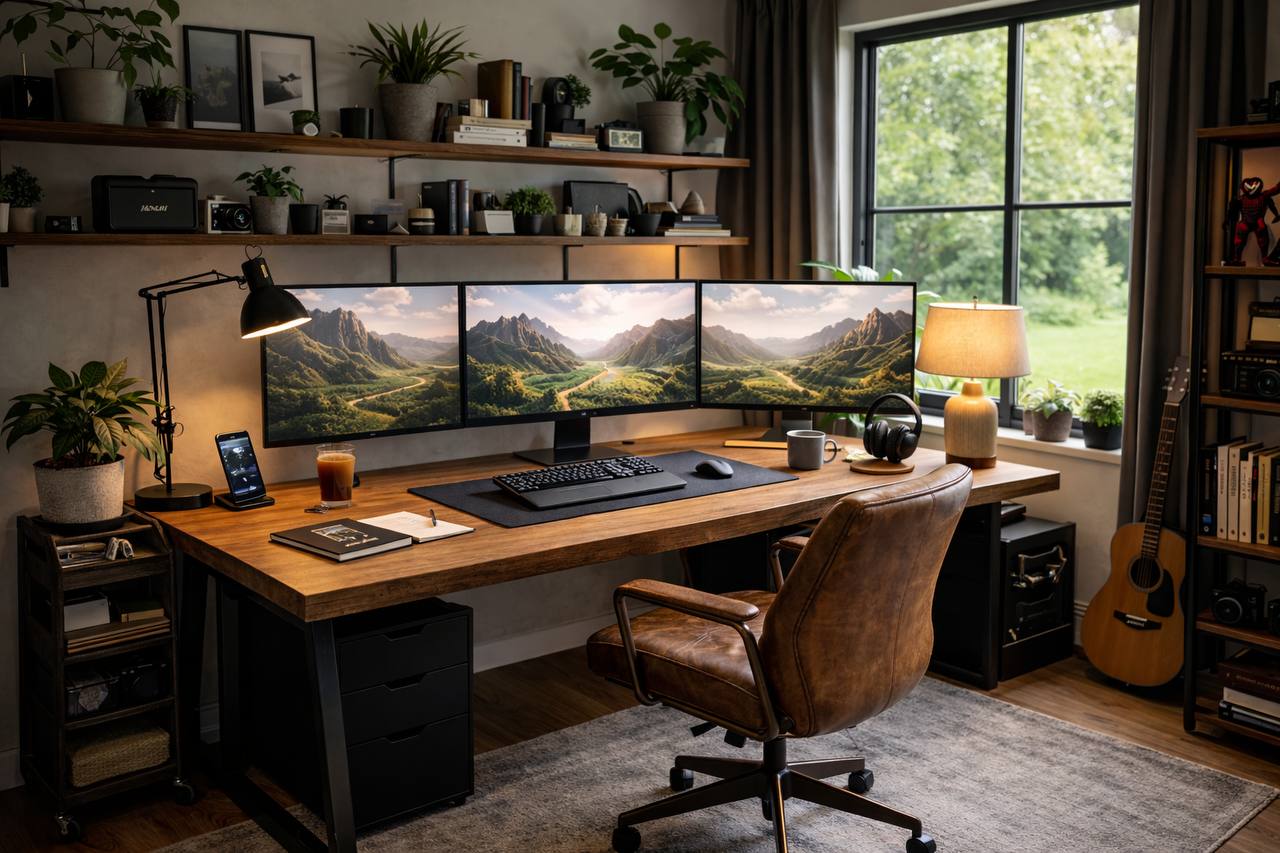
A desk for three monitors is not just “a big desk.” If the depth is wrong, your viewing distance gets awkward. If the frame is weak, monitor arms wobble. If cable planning is poor, the whole setup turns messy fast.
Here is the practical sizing guide I wish people used before buying.
Minimum desk size for 3 monitors
- Width: 160 cm minimum, 180 cm is safer.
- Depth: 70 cm minimum, 75 to 80 cm preferred.
- Weight capacity: check both desktop and frame load, especially for monitor arms.
3 monitor desk layout options
Flat row: best for matching monitors and symmetrical workflow. Needs the most width.
Center + angled sides: easier neck movement for many users and often fits better on 160 to 180 cm desks.
Ultrawide center + side monitor: useful if one screen is reference/chat and one is primary work area.
Should you use monitor arms?
Usually yes. Arms free desk space and make alignment easier, but only if the desk is sturdy enough and the edge supports clamps or grommets.
- Check desk edge thickness and clamp clearance.
- Use a reinforced plate if your desktop is soft or hollow.
- Keep heavy monitors near structural support points.
Desk features worth paying for
- Solid frame with minimal flex
- Depth of 75 cm or more
- Cable cutouts or grommet holes
- Enough under-desk clearance for legs and cable tray
- Surface that resists sag over time
Quick buying checklist
- Measure monitor widths including bezels.
- Choose layout type before choosing desk shape.
- Confirm desk can handle arm clamp pressure.
- Plan power and cable route on paper first.
- Leave room for speakers, docking, and notebook space.
FAQ
Is 140 cm desk width enough for 3 monitors?
No for most setups. It can work only with small displays and tight positioning, and it usually feels cramped.
Can a standing desk handle 3 monitors?
Yes, if frame stability and load rating are high enough and monitors are mounted carefully.
What depth is best?
75 cm is the sweet spot for many 3-monitor setups because it gives healthier viewing distance.
Related guides
For 3 monitors, size and stability matter more than style. If you get width, depth, and mounting right, everything else becomes much easier.
Leave a Reply