Affiliate disclosure: This guide may include affiliate links. If you buy through them, we may earn a commission at no extra cost to you.
People ask for the “best home office setup” like there is one perfect shopping list. There isn’t. But there is a setup framework that works almost every time: get ergonomics right, fix lighting, simplify cables, then add upgrades.
Best home office setup: quick checklist
- Desk depth that fits your monitor distance
- Chair with proper seat height and back support
- Monitor at eye level (arm or riser)
- Layered lighting (ambient + task + call light)
- Clean cable and power path
- Reliable audio for meetings
Setup by budget
| Budget level | Focus | What to prioritize |
|---|---|---|
| Starter | Comfort and function | Chair fit, desk lamp, external keyboard/mouse, cable basics |
| Mid-range | Daily quality of life | Monitor arm, better lighting control, docking setup, storage |
| Premium | Long sessions and cleaner workflow | Sit-stand desk, higher-end chair, audio upgrades, refined cable system |
What matters most for productivity
- Screen position: neck strain kills focus faster than people expect.
- Lighting quality: low glare helps both eyes and mood.
- Desk organization: fewer friction points means faster starts each day.
- Call readiness: decent mic and front light save meetings.
A setup order that prevents wasted spend
- Adjust chair and desk height first.
- Set monitor height and distance.
- Fix lighting placement.
- Route cables and power.
- Add accessories only after the core setup feels good.
The most common setup mistakes
- Buying too many gadgets before fixing ergonomics.
- Running laptop-only posture for long sessions.
- Ignoring call lighting and audio.
- Letting chargers and cables take over desk space.
A realistic “best setup” for most people
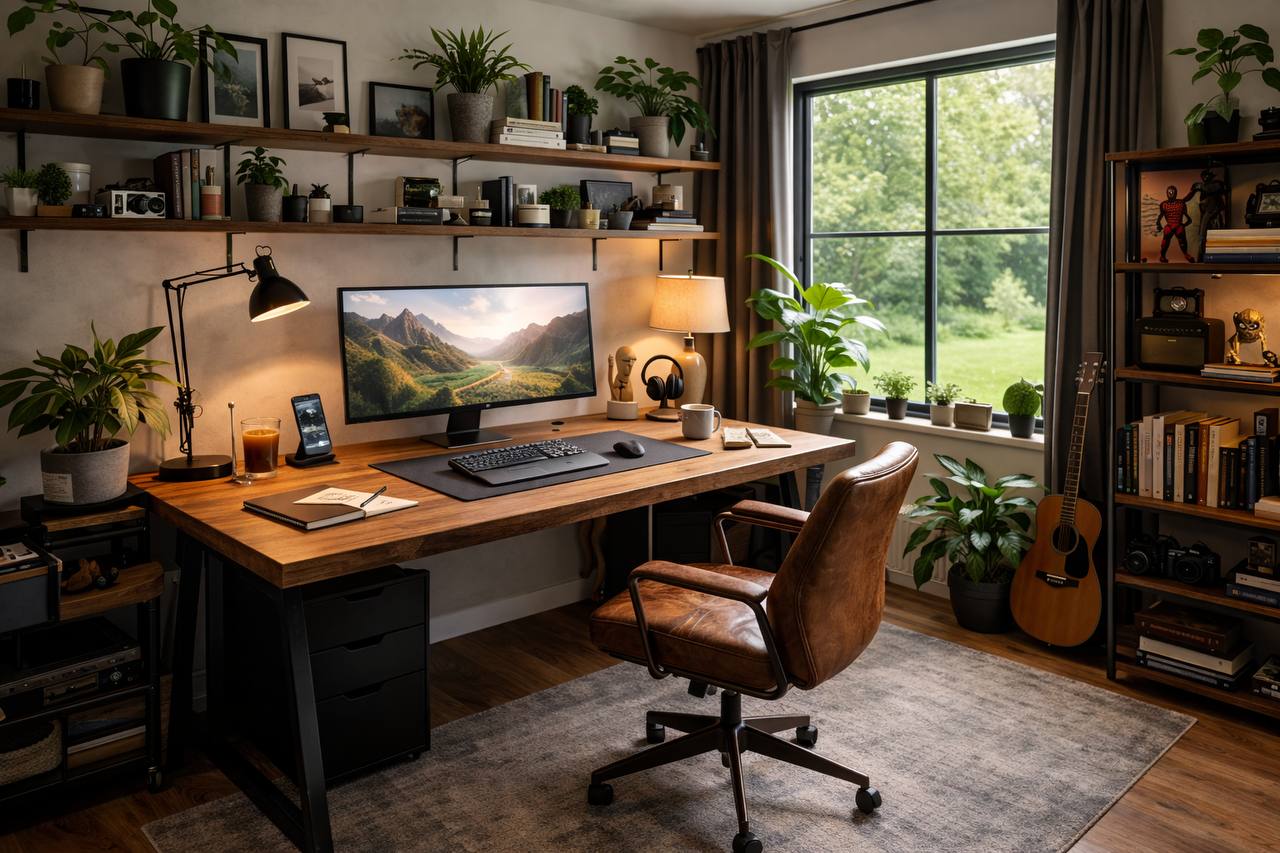
If you want a practical default, this is it: medium-depth desk, supportive chair, one monitor on an arm, dimmable desk lamp, tidy cable tray, and a webcam/mic combo that just works. Not flashy. Very effective.
Related guides
The best home office setup is the one you can work in for hours without thinking about it. Comfort, visibility, and reliability beat hype every time.
Leave a Reply