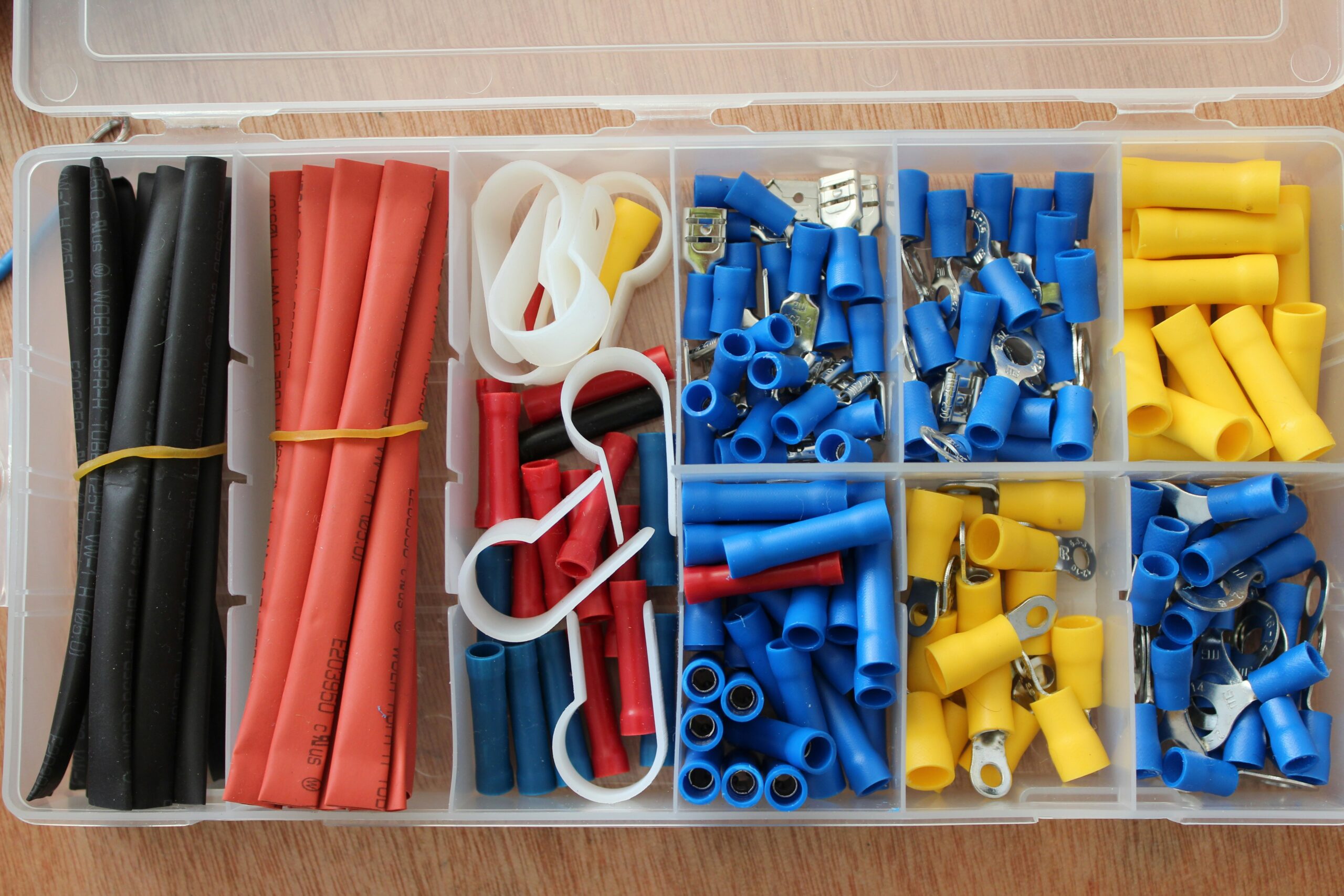
A clean desk improves focus, comfort, and productivity. If cable clutter keeps taking over your setup, this guide gives you a fast system that works for real home offices, not just photo-ready desks.
Quick Verdict
- Best overall: Complete cable management kit (tray + clips + ties + sleeve)
- Best budget: Adhesive clips + reusable ties
- Best for sit-stand desks: Kits with longer sleeves and extra slack management
Comparison at a Glance
| Option | Best For | Pros | Watch-outs |
|---|---|---|---|
| Complete kit | Most people | Everything in one purchase | Some kits include weaker clips |
| Clips + reusable ties | Lowest cost fix | Fast visual improvement | No under-desk tray included |
| Tray + sleeve heavy setup | Sit-stand desks | Cleaner movement and routing | Takes longer to install |
What to Buy
- 1 under-desk cable tray
- 1 cable box for floor adapters
- 20-30 reusable hook-and-loop ties
- 10 adhesive cable clips
- 1 braided sleeve for monitor and power runs
Top Pick: Complete Cable Management Kit
This is the easiest route for most home offices. A good all-in-one kit gives you enough pieces to hide the mess quickly: tray, sleeve, ties, and clips in one box. Look for strong adhesive clips, reusable ties, and sleeves long enough for desk movement.
Budget Pick: Clips + Reusable Ties
If you already have a power strip, this is the best low-cost fix. Start with adhesive clips and reusable ties, then add a tray later if you need cleaner under-desk routing.
20-Minute Setup
- Mount the tray under the rear desk edge.
- Move power strip and large adapters off the floor.
- Bundle monitor, dock, and charger cables separately.
- Run only one main power line to the wall.
- Leave slack for movement, especially on sit-stand desks.
Common Mistakes
- Using permanent zip ties too early
- Overloading one adhesive clip point
- Running cables too tight for desk movement
FAQ
Do I need a full kit or just clips?
For most people, clips and reusable ties are enough to start. Add a tray if you want a cleaner under-desk finish.
Will this work with a standing desk?
Yes, just leave extra cable slack and avoid rigid routing that pulls when desk height changes.
How often should I redo cable management?
Usually every time you add or remove devices. With reusable ties, maintenance takes only a few minutes.
Affiliate Disclosure: Better Desk Daily is reader-supported. When you buy through links on our site, we may earn a commission at no extra cost to you.
Leave a Reply