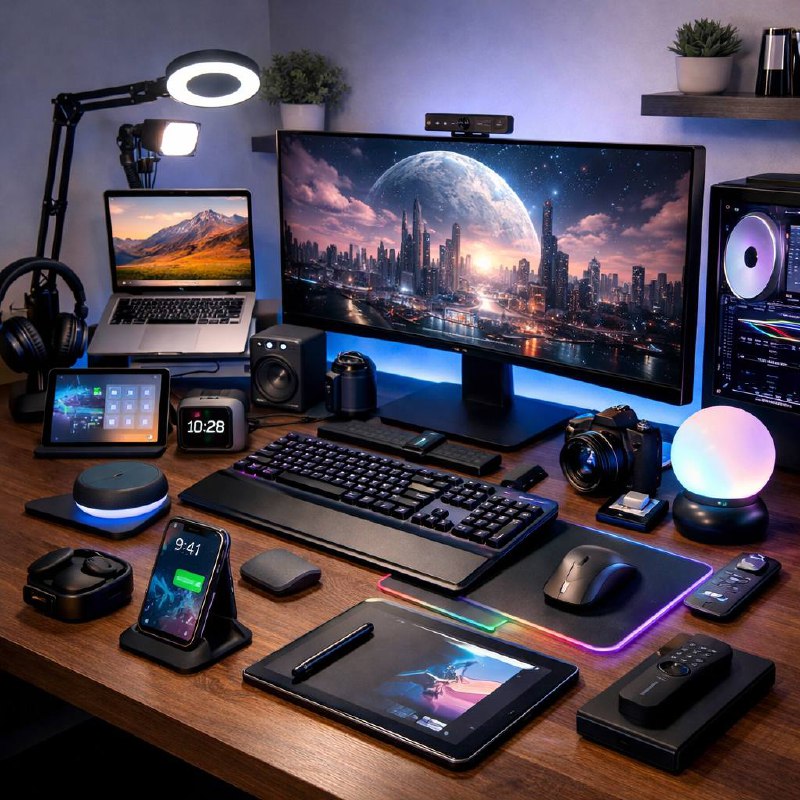
Essential tech gadgets for a more productive work-from-home setup
Most people don’t struggle with productivity because they’re lazy. They struggle because their setup keeps interrupting them. One cable missing. One battery dead. One bad call where nobody can hear anyone. It adds up.
This is a practical category roundup, not a giant product review list. Use it to build a setup that feels smoother day to day.
Use one connection point for your core devices
A solid USB-C dock or hub saves more time than people expect. One plug in the morning, and your monitor, charger, keyboard, and accessories are ready.
- Choose ports for what you actually use every day.
- Check power delivery if your laptop needs higher wattage.
- If your Wi-Fi is unstable, get one with Ethernet.
Inline examples: compact travel hubs, 100W USB-C docks, or dual-display docking stations.
Add screen space before adding more software
A second screen usually beats another app subscription. Fewer window swaps means fewer mental context switches.
- Second monitor for side-by-side work.
- Monitor arm to free up desk depth and improve posture options.
- Laptop stand to get your main screen closer to eye level.
Improve call quality with better lighting first
Most webcam problems are lighting problems. Start there. A soft front light fixes more than expensive camera specs ever will.
- Use diffused front lighting, not just overhead room light.
- Put your camera around eye level.
- 1080p is usually enough when lighting is good.
Inline examples: compact USB light panels, diffused ring lights, and clip-on webcams.
Fix audio so meetings stop feeling exhausting
Audio issues drain energy fast. Repeating yourself all day is a productivity killer.
- Use a headset in noisy spaces.
- Use a dedicated microphone if you present or record often.
- Prioritize comfort for long meeting days.
Reduce strain with better input tools
Small ergonomic upgrades don’t look exciting, but they can make your workday feel very different by week two.
- Ergonomic mouse shapes can reduce repetitive discomfort.
- Keyboard angle and palm support matter more than most people think.
- External keyboard + stand is often better than typing low on a laptop all day.
Inline examples: vertical mice, split-layout keyboards, and low-profile mechanical boards.
Automate repetitive setup tasks
You don’t need full smart-home complexity. Just remove the same tiny tasks you do every day.
- Schedule lights and desk devices around your normal work blocks.
- Use one-tap shortcuts for recurring actions like meeting prep.
- Create a consistent morning startup routine.
Protect uptime with stable power and charging
Power problems cost more than the hardware fix. They kill momentum and can wipe active work.
- Use surge protection as a baseline.
- Add a UPS if outages are common where you live.
- Keep a charging station for your daily devices.
Inline examples: compact UPS units, surge-protected strips, and desktop USB-C chargers.
Build in tiers so you spend where it matters
- Tier 1: dock/hub, task light, audio upgrade.
- Tier 2: extra display, monitor arm, ergonomic inputs.
- Tier 3: simple automation and backup power.
This approach keeps you focused on bottlenecks instead of buying random gadgets.
Five-minute weekly reset
- Tidy cables and clear desk clutter.
- Check webcam angle and light position before your first meeting block.
- Confirm dock, chargers, and battery backup status.
- Clean keyboard and mouse.
- Pick one friction point to improve next week.
Bottom line: the best productivity gadgets are the ones that quietly remove daily friction. Start with connection, visibility, audio, comfort, and power reliability.
Leave a Reply