5 Clever Ways to Hide Cables on a Glass Desk (No Drilling)
Affiliate Disclosure: This guide contains affiliate links. If you buy through them, I may earn a commission.
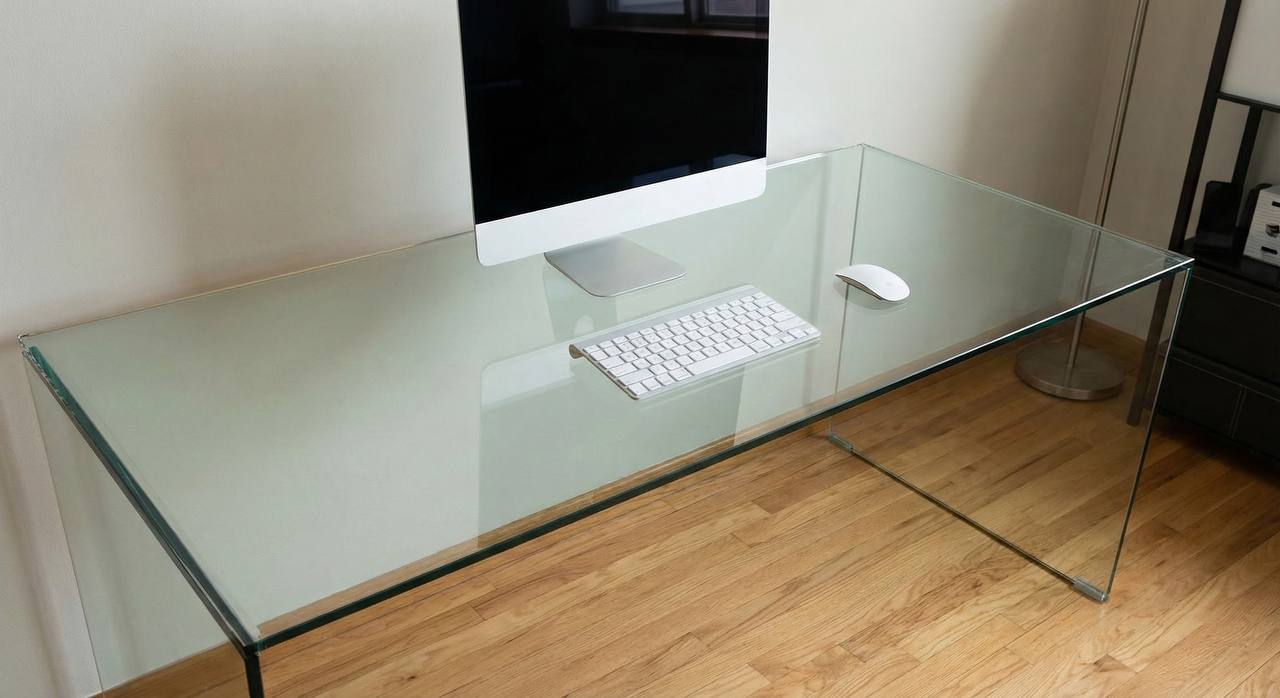
Glass desks are beautiful, but they are unforgiving. On a wooden desk, you can shove a rat’s nest of cables behind a monitor or drill a hole for a grommet. On glass? You see everything. Every loose wire, every power brick, every mistake.
I switched to a glass desk last year, and the first week was a nightmare of dangling cords. Since you can’t drill into tempered glass (unless you want it to explode), you have to get creative with routing. Here are the five best ways to make cables vanish without breaking your desk.
1. Use the Metal Frame (Not the Glass)
Most glass desks sit on a metal frame. This is your best friend. Instead of trying to stick adhesive clips to the glass (which you can see from the top), route your cables along the metal crossbars.
If your frame is steel, use magnetic cable clips. They snap on instantly, move easily, and leave no residue. If your frame is aluminum, use black zip ties or velcro straps to hug the cables tight against the bar. The goal is to hide the wires in the shadow of the frame itself.
2. The “Invisible” Leg Route
Getting cables from the desk to the floor is the hardest part. The trick is to use the back of the desk legs. Group your monitor, power, and keyboard cables together and run them down the back side of a rear leg.
You can use clear packing tape (sounds cheap, but works if you’re careful) or specific cable raceways that match the color of your legs. If you have black metal legs, a black half-round raceway stuck to the back is invisible from the front.
3. Clamp-On Cable Trays
Where do you put the power strip? On a normal desk, you screw a tray underneath. On glass, you need a clamp-on cable tray.
These trays clamp to the back edge of the glass (padding prevents scratches) and face inwards. You can drop your surge protector and power bricks into the basket, keeping them off the floor and out of sight. Just make sure to position it behind your monitor or a solid object so you don’t see the basket itself through the glass.
4. Neoprene Cable Sleeves
If you can’t hide the cables behind a leg, you have to embrace them. A neoprene cable sleeve (essentially a wetsuit for your wires) bundles 10 messy cords into one neat tube.
A single black or white tube looking like a power cord is infinitely better than a spiderweb of USB cables. I use a zipper sleeve because it’s easier to add or remove cables later without undoing the whole thing.
5. Go Wireless (Obviously)
This is the nuclear option, but on a glass desk, it’s worth it. Every cable you eliminate is one less headache.
Swap the mechanical keyboard for a wireless one. Get a wireless mouse. Use Bluetooth headphones. The only cables touching your desk should be the ones that absolutely have to be there (monitor power and PC connection).
Summary
You don’t need a drill to manage cables on glass. You just need to use the frame, hide behind the legs, and clamp everything else out of sight. It takes about 30 minutes, but the clean look is worth it.
Related Guide
Once your desk is clean, you might notice glare on your calls. Check out our guide on How to Light Video Calls (No Glare).
Leave a Reply